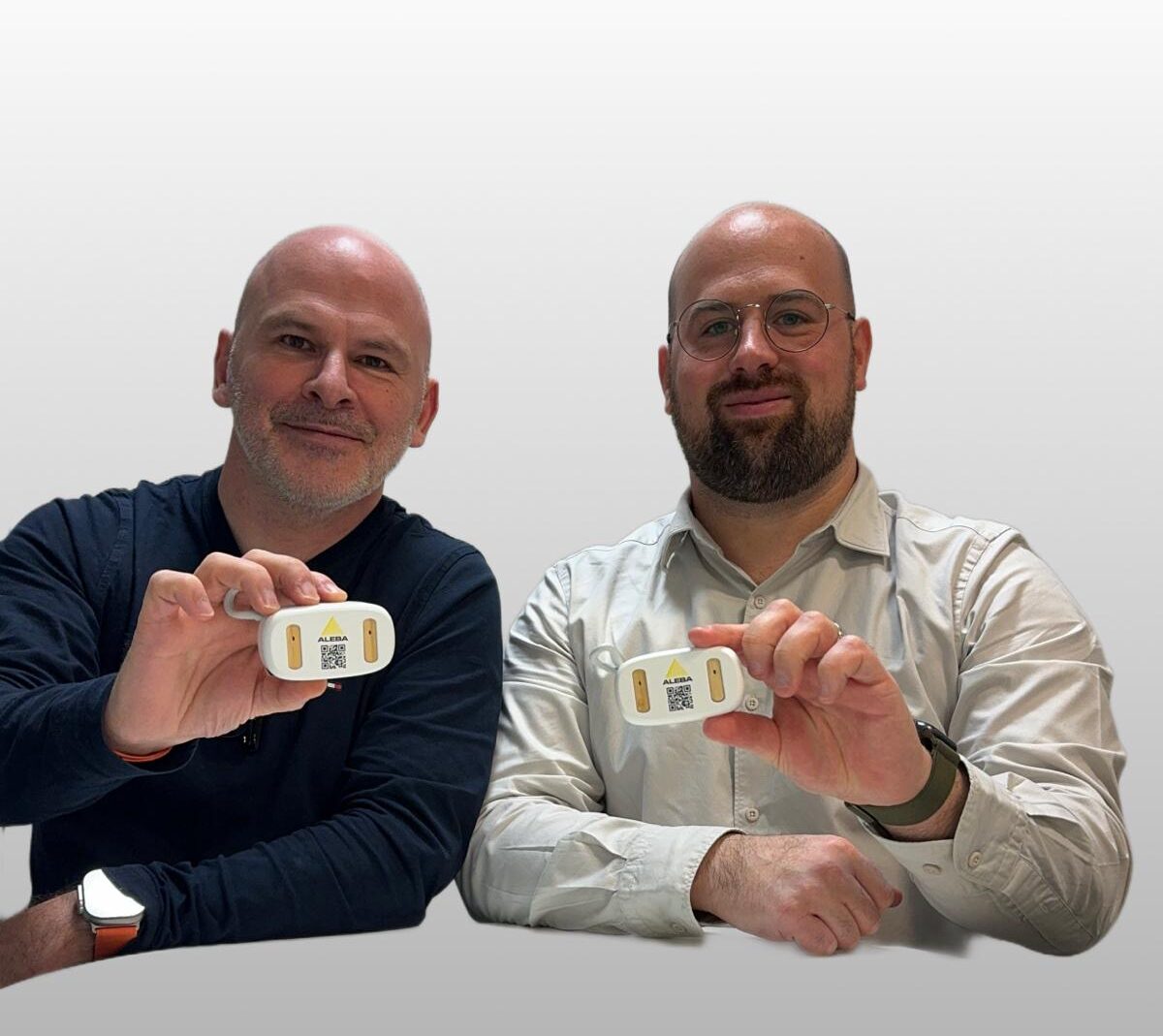
Your earbuds
By Daniel Heymann · 26 February 2024
First use
Please remove the red protective sticker from both earbuds.
Also remember to charge your earbuds for at least 1 hour before first use.
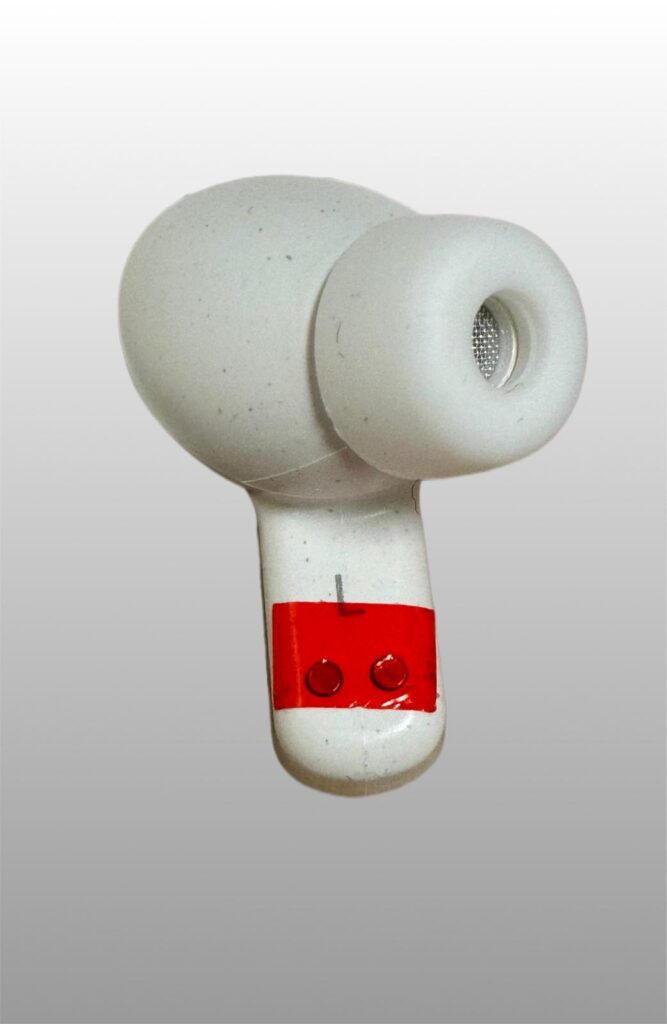
The earbuds automatically turn on when you take them out of their case. No need to press a button. Activate Bluetooth on your device and take the earbuds out of the case to connect them.
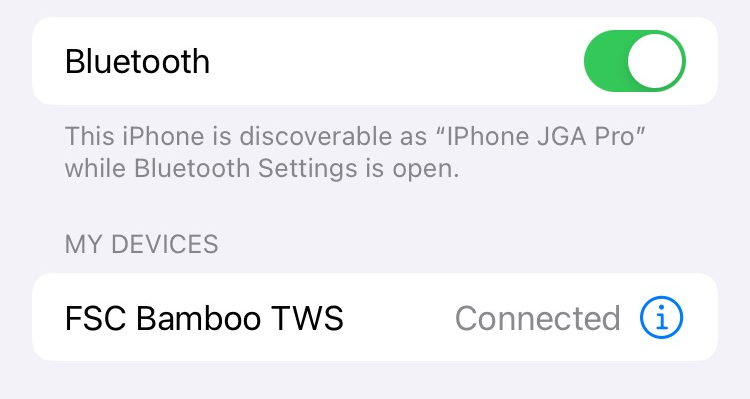
How to connect your earbuds to your iPhone / iPad?
Select « Settings » on your iPhone / iPad.

Then « Bluetooth ».

Select « FSC Bamboo TWS » to connect the earbuds to your device.
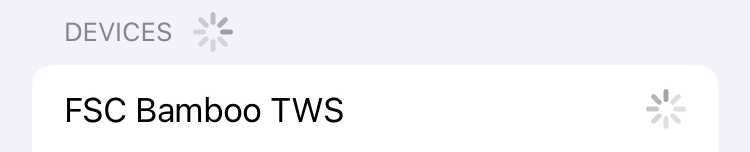
Your earbuds are connected and ready for use. Enjoy!
How to connect your earbuds to your laptop?
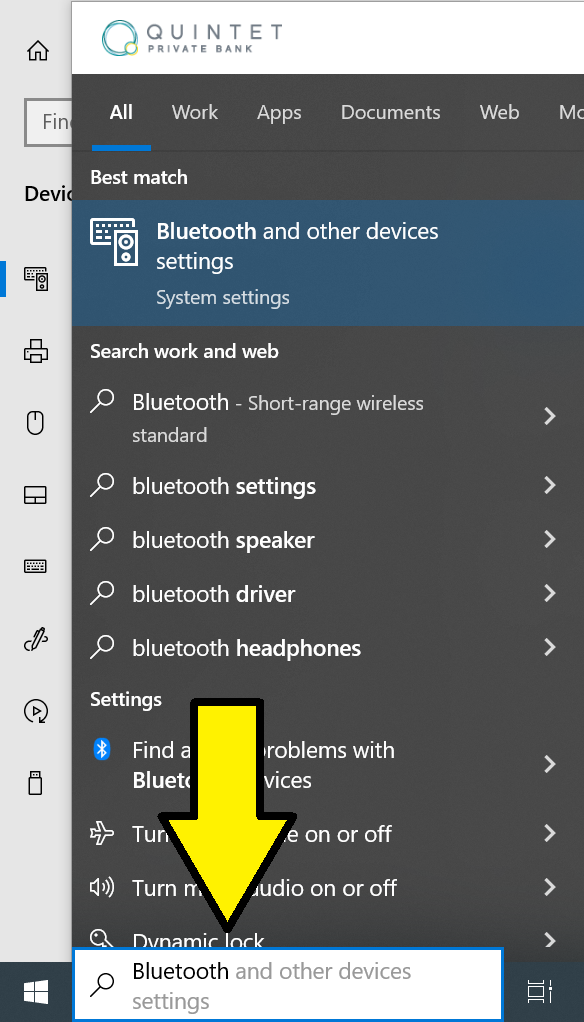
Type « Bluetooth » in the Windows search bar and select the menu: « Bluetooth and other devices settings ».
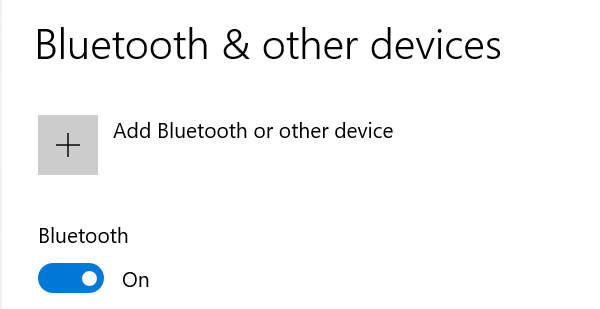
Ensure Bluetooth is enabled (Option set to ON) then click on « Add Bluetooth or other device ».
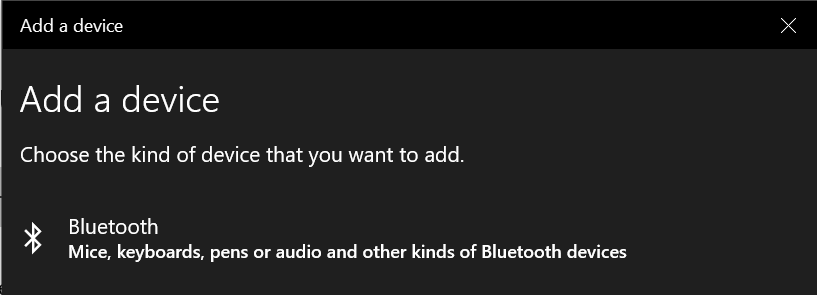
Choose « Bluetooth ».
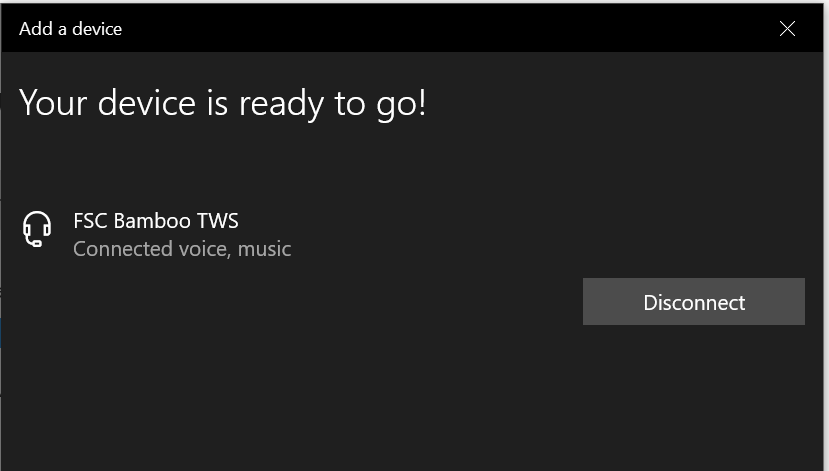
Select « FSC Bamboo TWS » to connect the earbuds to your device.
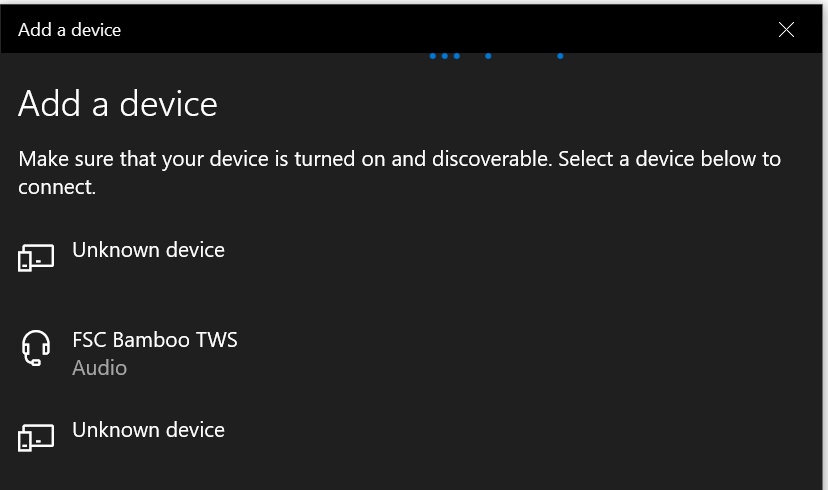
Your earbuds are connected and ready for use. Enjoy!